4.4. Multiple control editing
It is now possible to edit the properties of multiple controls simultaneously. This is useful if you have several controls on a page with common properties that you need to edit.
If the controls are identical, then all the properties are available.
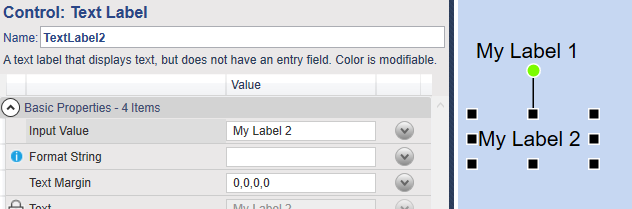
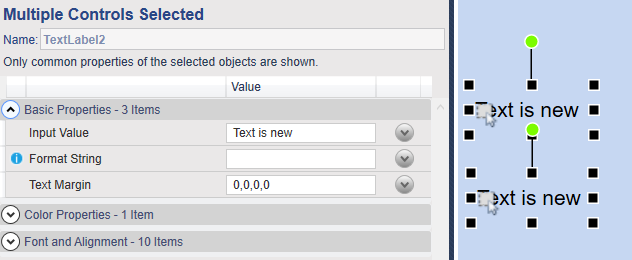
You can test this by creating two Text Label controls, and give them different text. Then select them both, and when you edit any of the properties, you'll see that your edits are applied to both controls.
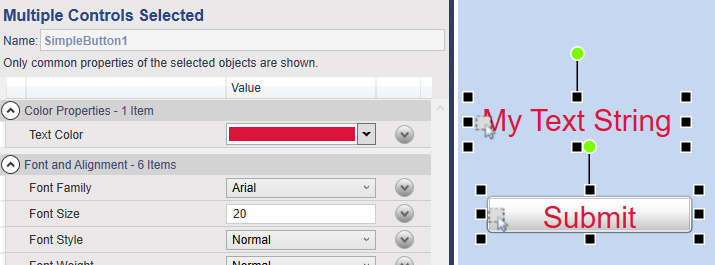
It is also possible to edit the common properties on dissimilar controls. For example, you can set the text color and font properties of a Text Label and Simple Button to be the same, with one edit.