3.3. Multiple pages
To open multiple pages in Design mode, start WebView, and open the Pages tab.
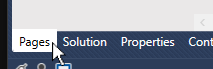
Find a page to display and double-click the arrow icon to display it.

Keep adding pages as needed.
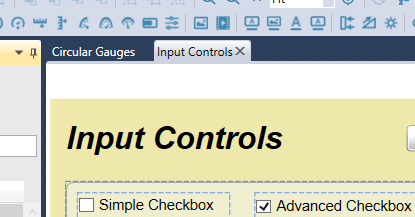
You will find that you can quickly switch between the tabbed pages. Please keep in mind that the tabs are only visible in Design mode.