15.4.2. Example: WVUser
This scenario enables a WebView user, and uses it to demonstrate credentials and authorization.
Add the user
![[Note]](images/note_1156523861.png) | |
This sections builds on the previous section. Please complete that example before continuing here. |
In the Remote Config app, go the Security configuration and add a new BuiltIn user called
WVUserwith the passwordAbcd1234.Click the button and and . Do not add any roles right now. Click .
Configure your Authenticator app for
WVUser.
Test Login Credentials and Authorization
Start WebView and log in with
WVUser. Use only the password stringAbcd1234without the TOTP code.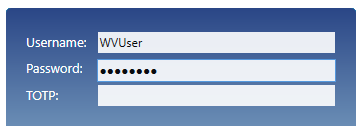
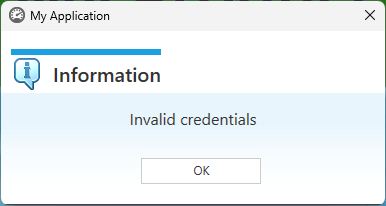
The login will fail, due to invalid credentials.
Now try logging in using the TOTP code.
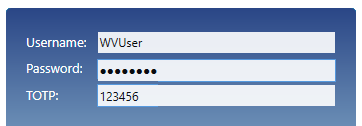
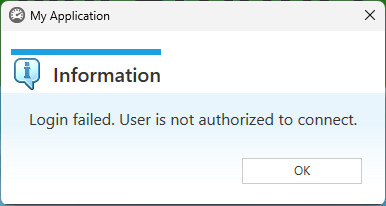
The login will fail again, this time due to lack of authorization.
In the Security configuration, add the
WVUserto rolesWebViewandAllDataReader. You will need to check the box to show them.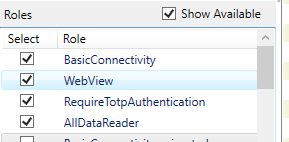
Try logging in again. This time you should be able open WebView.
We can now make one more test. Since we have assigned
WVUserto theAllDataReaderrole, it should be possible to read data, but not write data back to the DataHub instance.Ensure that DataPid is still running, and load the Circular Gauges page.
Switch to Run Mode and try adjusting the set points. You will see that you are not permitted to make any changes, because the
WVUserdoes not have write permissions.To allow writing data, you can add
WVUserto theAllDataWriterrole or theAllDataFullAccessrole.