Running as a Windows Service (Specified User)
The following information relates to running the DataHub service as a specified user. We recommend not doing this as the properties are only available on the service console of the SYSTEM user account. But in some cases this may be unavoidable.
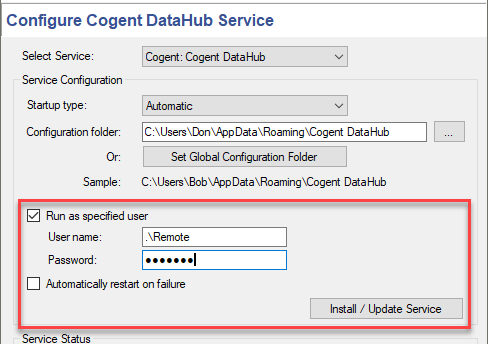
If you try to install the DataHub service as a specified user as explained in Section 1.3, “Installing as a Service” then you may find that the service does not run, and you get an error message related to a logon failure, such as this:
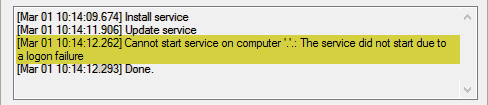
This error occurs when a user who is going to run the DataHub service does not have the permission, or right, to log on as a service in Windows.
One way to set this permission/right is as follows:
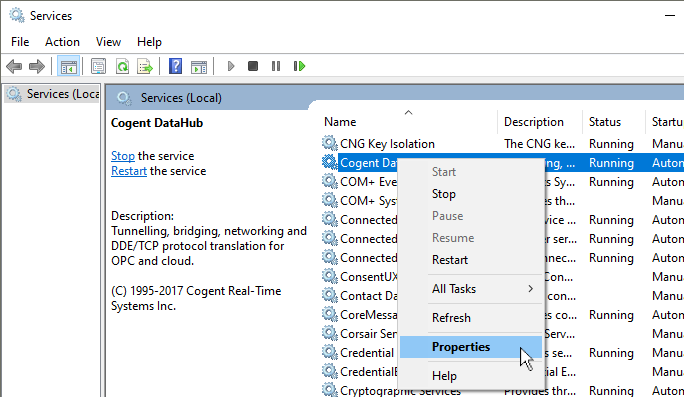
Open the Windows Services window from the Control Panel by selecting Administrative Tools and then Services.
Right click on Cogent DataHub and select Properties.
Click on the Log On tab and then retype the password for the user account you are trying to use. Then click .
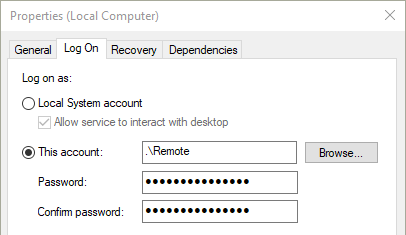
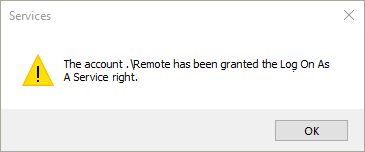
You should see a Windows message acknowledging that the right to log on as a service has been granted.
Now if you try to start the service from the DataHub Services Manager again it should work.