16.4. Twilio
You can use the Twilio service to send notifications via SMS and WhatsApp, simply by adding a Twilio notifier.
If you don't already have a Twilio account, register for one, taking note of the account SID, authorization token, and phone number that you receive.
In the Notification Configuration option of the Properties Window, go to the Notifiers section and click the button to open the Configure Notifier window.
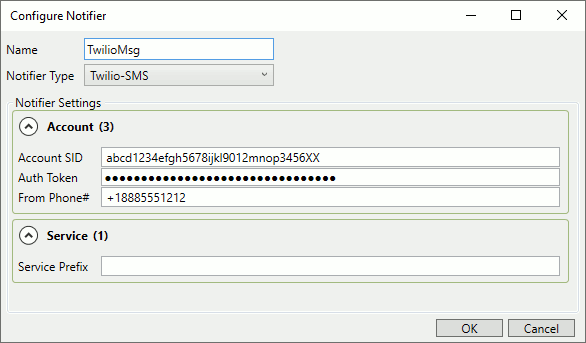
Enter the Account SID, Auth Token, and From Phone# for your Twilio account.
Click and .
You can now specify TwilioMsg as a notifier for any notification template that you define.