2.3.5. Properties Editor
For any page, you can now open a Properties Editor that gives you access to all the Point Binding Expressions, Symbol Binding Expressions, and String Literals (like font sizes and input values) of all the controls on the page. You can use this to edit properties of more than one control without having to select each one individually. This is particularly useful on pages with dozens or hundreds of controls.
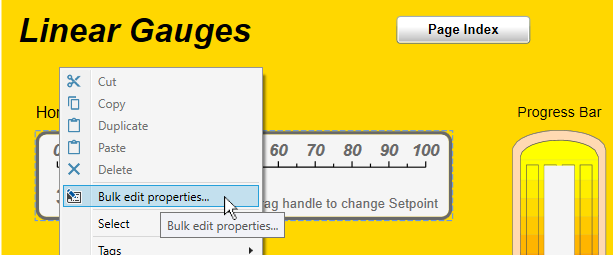
To open the Properties Editor, right-click on the page or open the the menu, and choose .
Each parameter of each control is listed by control name and type, along with the corresponding expression type and value. Entries in the Value column are editable, for making changes.

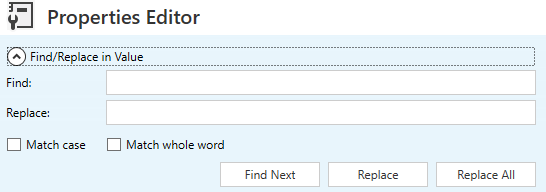
There is a Find and Replace feature to help navigate through and make bulk edits for large numbers of controls.
For each column, the Pin Column feature freezes the column for horizontal scrolling, and the Add Grouping option allows you to group by name, control type, etc.
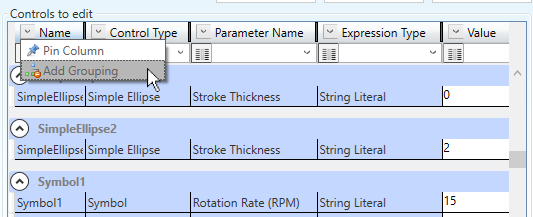
A filtering feature on each column lets you limit the display to just the type or types of entries you need to work with.
